Maintain Your Graphics Card Fan Yourself When Its Rotation Deteriorates!
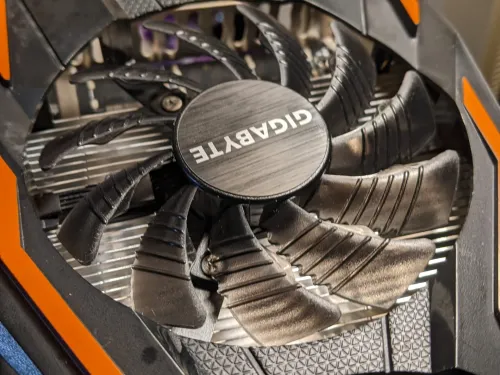
Hello, it's the incompetent one.
Is your graphics card okay?
Many people commonly buy and install new fans to replace them, but that's a waste. Perhaps it's easier than you think?
Materials for This Project
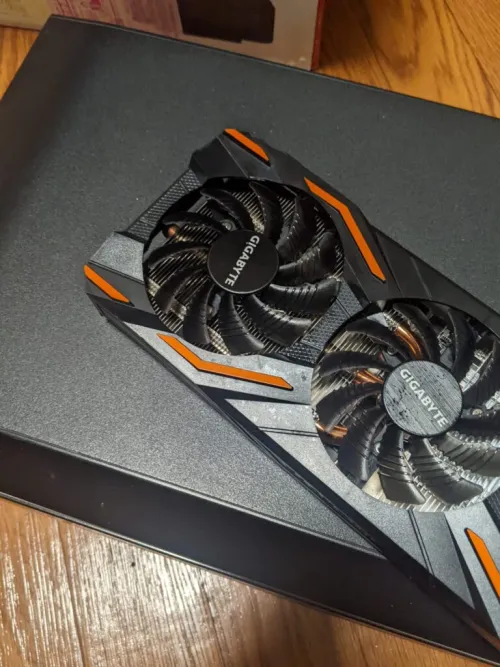
Yes, this is the one.
First, let's remove the visible screws to take out the fins! Precision screwdrivers are sold even at 100-yen shops, so please don't force it open with a large screwdriver.
Especially with these types of GPUs, manufacturers often don't consider users disassembling them, so they frequently use screws that are very easy to strip. Be careful.
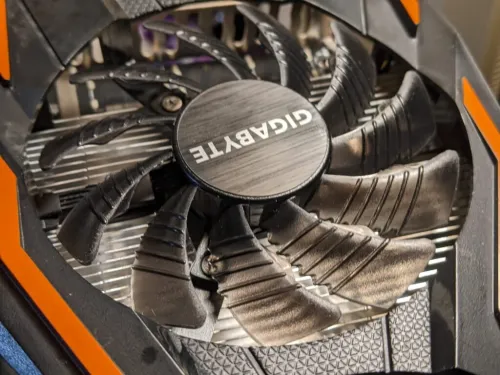
There are small screws above, aren't there? \(^o^)/
So, once you've pried it open, if there are any places where the fan's cable might get caught on the plastic parts, please detach it.
Then, use a flathead screwdriver and your fingernails to pull it apart from between the plastic parts and the fins.
It might be safer if you have two thin, hard objects.
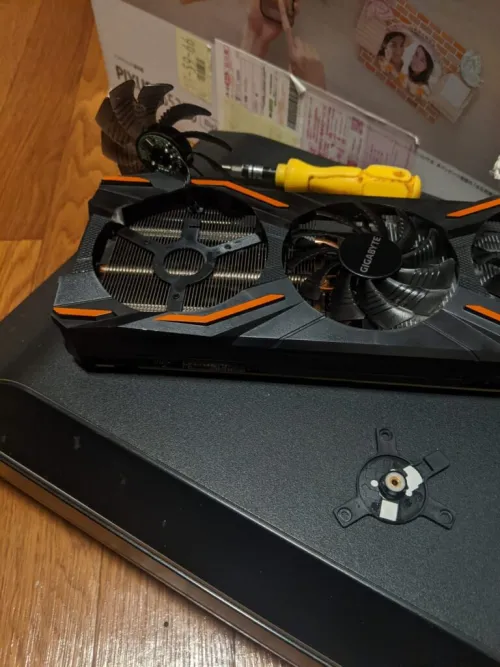
It's detached!
So, clean around the bearing with a cotton swab, apply lubricant to the coil side, and you're done.
With this, I believe the rotation will improve considerably.
Furthermore, as shown in the picture, smaller fans tend to generate more heat as their rotation speed increases, leading to a higher probability of failure. Larger fans might have a lower rotation rate, which I believe reduces the load on the fan itself, so it might be a good idea to check the fan size when making a purchase.
That's all for now.