ThinkPad T470 and E14 Gen2 BIOS Chip, Disassembly, and Defeat.

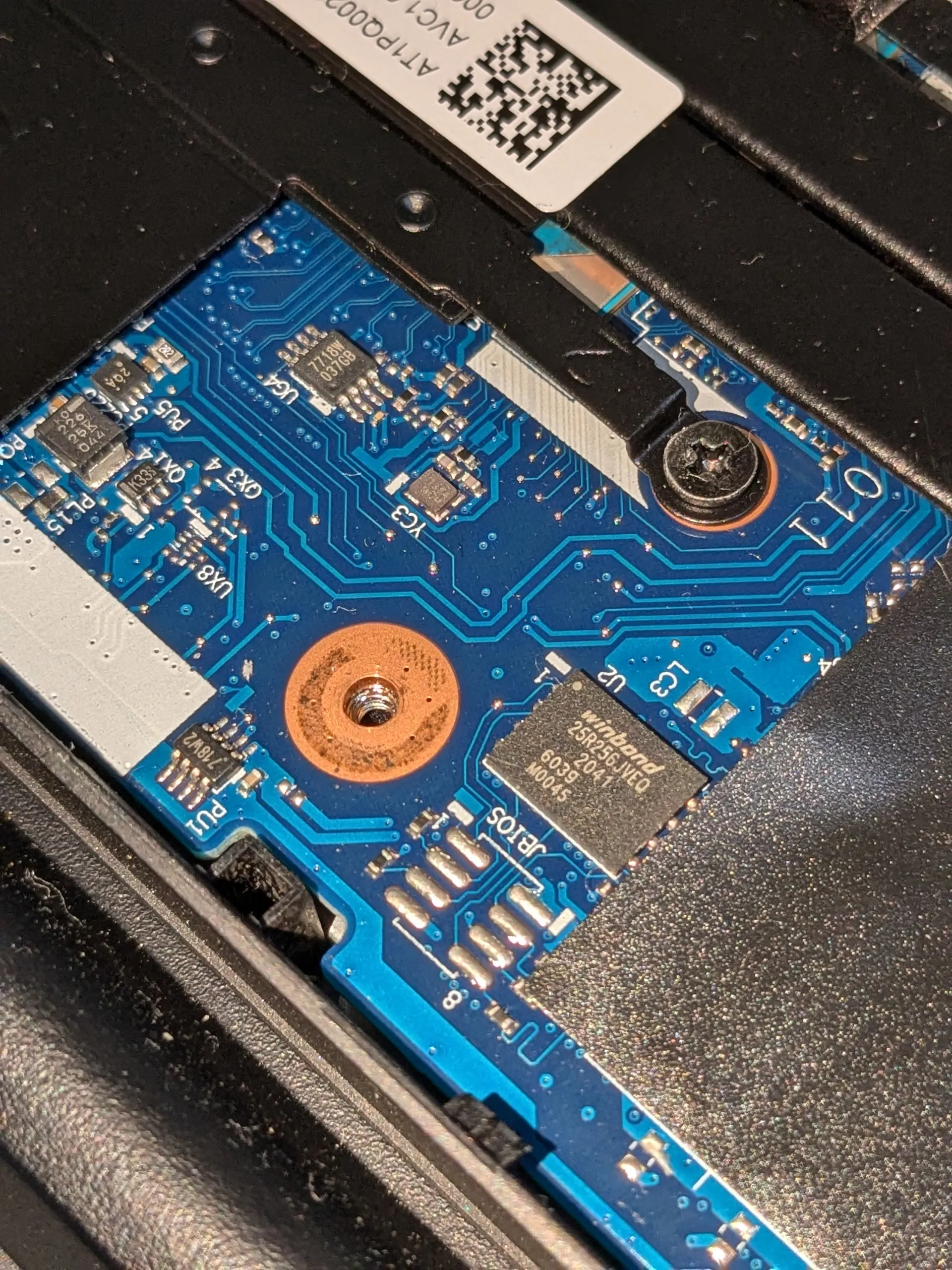
E14 gen2
T470
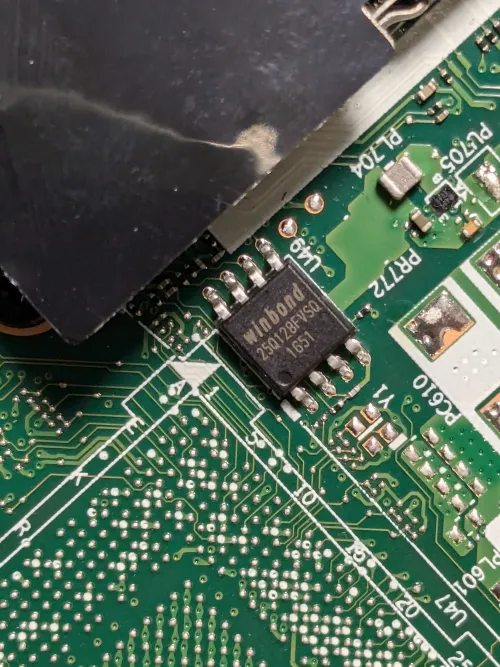
When I tried to boot up the T470 after a long time, the fan spun for a moment but it didn't start. I suspected BIOS corruption, so I dumped the BIOS with CH341a and wrote another BIOS file, but it didn't change. Even after flashing the original BIOS chip, the power button no longer lit up, and it completely stopped booting.
I dumped the BIOS twice, but I couldn't figure out what was wrong. I even removed the W25Q128FV, soldered it directly, and thought I had flashed it correctly, but it still didn't work after putting it back.
Apparently, some people have revived it with EC Flash...
A junk E14 gen2 that I had left in a similar state is now in a similar situation, so I'll be careful next time.
It seems that the E14 gen2 can be flashed from the pads on the board shown at the beginning, even without much disassembly.
Originally, I had the impression that the pattern of CPU heating up but not booting was often due to poor CPU contact.
However, thanks to modern design, the CPU itself is soldered to the board and cannot be easily removed or replaced, so I couldn't quickly check for a replacement. That's why I thought I'd check the BIOS first. Moreover, when I tried to remove the CPU fan, it was incredibly difficult to detach, and I was afraid of warping the board and the CPU fan, so I gave up for a while.
I also wonder if it was just a solder crack from being left unused for a long time, preventing it from booting properly. But that's in the past. I'm tempted to get multiple W25Q128FV chips and try several BIOS flash patterns, but financially, it seems cheaper to find a cheap unit with a cracked screen and combine them into one working device.