Installing OpenBSD 7.3 on ThinkPad X260
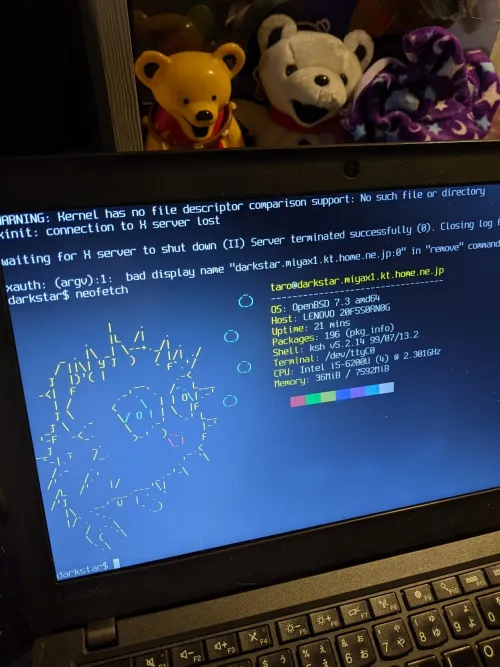
Hello, I'm incompetent.
At first, I thought it was an X250, but I installed it on an X260.
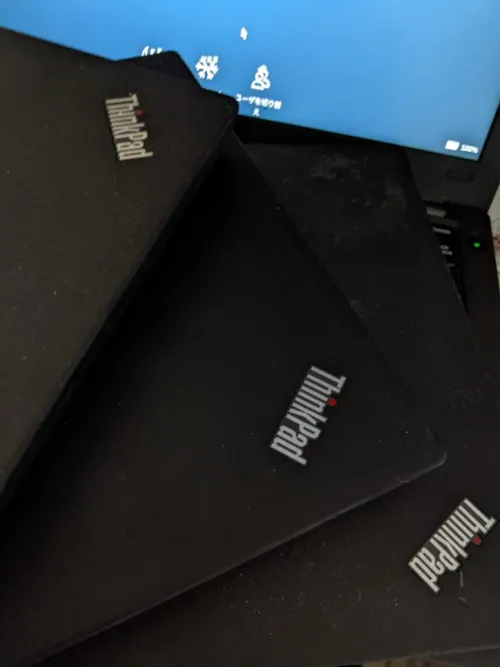
I no longer know which is which.
However, it's good that I realize it during the boot phase since each has a different OS.
I was doing it while drinking, and for some reason, the Wi-Fi wouldn't connect at all. I probably touched something unnecessary with ifconfig, but I don't remember, so I reinstalled it and successfully connected. It's a secret just between us that I wasted about 3 hours trying to fix it while drunk before reinstalling.
You are only allowed to bring up this story when I'm drinking. If you bring it up at any other time, I'll cry from embarrassment.
There are no Japanese articles at all regarding OpenBSD Wi-Fi connection, so I'll make a note of it for my own reference.
(After all, it's pretty much the same not just for OpenBSD...)
I'll write this assuming you're logged in as su.
First, update the system.
But usually, nothing gets updated.
fw_update
Then apply patches.
syspatch
Install wpa_supplicant, which is necessary to access wireless LAN.
pkg_add wpa_supplicant
In the case of OpenBSD, the configuration file is located at /etc/wpa_supplicant.conf, so edit it.
In my case, I simply edited it by commenting out and deleting parts.
vi /etc/wpa_supplicant.conf
# wireless network:

network={
        ssid="Your_SSID_here"
        key_mgmt=WPA-PSK #Authentication method
        password="your_password"
}
After saving with :wq, execute wpa_supplicant.
wpa_supplicant -B -i iwm0 -c /etc/wpa_supplicant.conf
Let's get an IP address.
dhclient iwm0
In my case, it was iwm0, but please check your wlan with ifconfig or similar and set the respective interface.
With the above steps, you should be able to connect.
Japanese Localization
Hmm, for some reason, even after creating the .xsession file as often described, it wasn't applied, so I configured it in .profile directly under the home directory.
This assumes fcitx-anthy and similar are installed.
# $OpenBSD: dot.profile,v 1.8 2022/08/10 07:40:37 tb Exp $
#
# sh/ksh initialization

export LANG=ja_JP.UTF-8
export XMODIFIERS="@im=fcitx"
export GTK_IM_MODULE=fcitx
export QT_IM_MODULE=fcitx

PATH=$HOME/bin:/bin:/sbin:/usr/bin:/usr/sbin:/usr/X11R6/bin:/usr/local/bin:/usr/local/sbin
export PATH HOME TERM
Let's completely copy the method from the person appearing on Qiita and install Japanese fonts. I'll set up the details later when I have time (though I'm always free).
It should be applied after a reboot.
My Impressions After Installing
It was better than I imagined.
I can't say much until I use it more, so I'll probably write about it later.
I have a 500GB SSD that I don't want to waste, so I need to make full use of it...