Continued: The Btrfs Mystery
Hello, this is Munou.
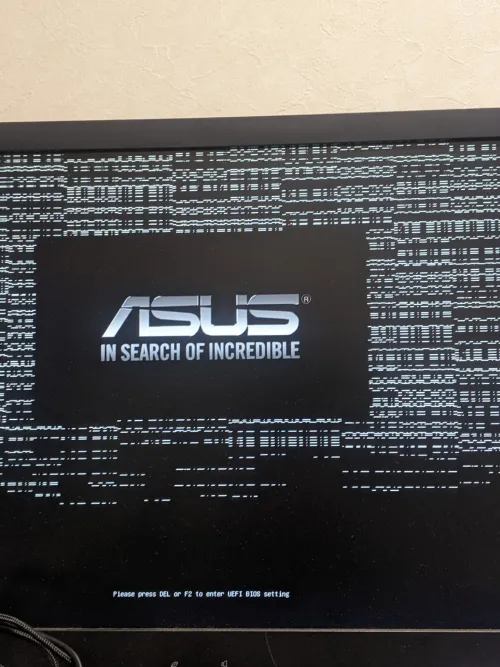
Last time, when I installed an SSD formatted with Btrfs, it stopped at the BIOS logo...
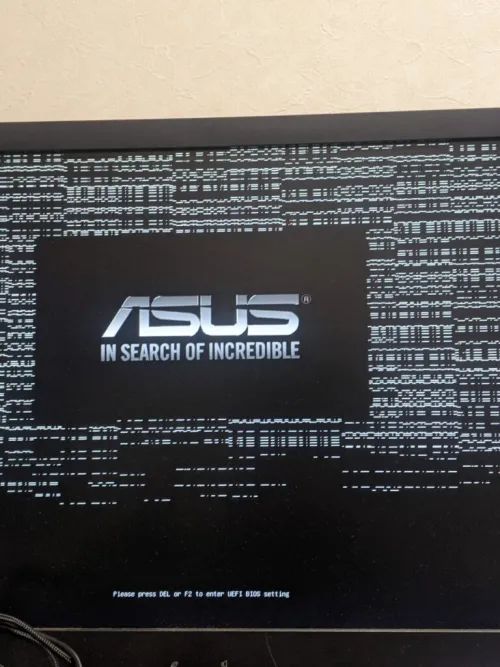
This is what it looks like.
But...
When I first tried to install Artix Linux using a USB installer, it was recognized normally via SATA connection.
Booted the installation USB → accidentally formatted the problematic 1TB SSD with ext4 & the Artix installation stopped midway when it went to sleep.
So, when I first specified the problematic 1TB with gdisk, the MBR was 'damaged' (I think that was the term), so there's no doubt that the partition was corrupted at that time.
Even after that, I deleted all partitions once and formatted it properly with Btrfs, but it still stops at the BIOS logo.
What I tried
Is the SSD clearly at fault just based on this? I can't tell.
As pointed out, I changed the SATA connector, and confirmed that the power and connector work fine by attaching another SSD.
Additionally, as an experiment to see if it would stop at the BIOS display even when installed in another PC, I installed the problematic 1TB SSD via SATA in an X230, and it booted normally. What is this?
I also tried clearing the CMOS of the motherboard that stops at the BIOS logo and tried it with other drives disconnected, but it didn't work.
Could it be compatibility issues...?
In the end, I thought motherboard-SSD compatibility issues were an urban legend, but they might actually exist.
Strictly speaking, it might be a compatibility issue between the SSD controller and the motherboard's SATA controller. Perhaps it was just lucky that it worked the first time.
There are still many things to try, but I've decided to install Artix on another SSD.
That's all for now.