X250 SVP Unlock Results
First, regarding the previous article
Memo on THINKPAD X240~X280 SVP Lock Removal
The general flow described there is largely correct.
However, regarding the exact procedure, there are corrections, so changes will be added in red text.
Procedure
-
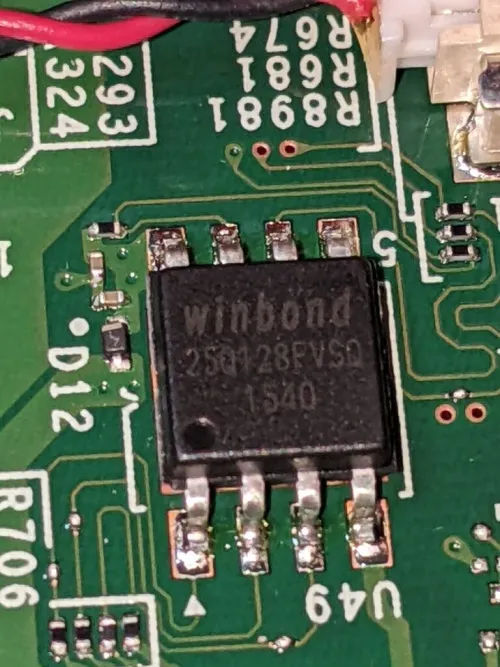
Disassemble and check the BIOS chip.
This type of chip is often located close to the power supply, such as near the internal battery connector.
Below is the BIOS chip of the X250.
-
Extract the SVP-enabled BIOS with a CH341A SPI writer (extract twice just in case, as data may not be extracted correctly).
-
Generate the unlock BIOS using "lenovo_autopatcher" distributed in the Badcaps thread.
-
Flash with an SPI writer.
-
Enter anything on the SVP input screen.
-
Press Enter once, then Space twice.
If the following screen appears, power off.

-
Flash the plain BIOS that was extracted in step 2 (the SVP-enabled state).
-
Boot up and check the BIOS, and SVP is already off! \(^o^)/
I got stuck halfway and even touched a binary editor, but it was my mistake, and it was a simple BIOS password.
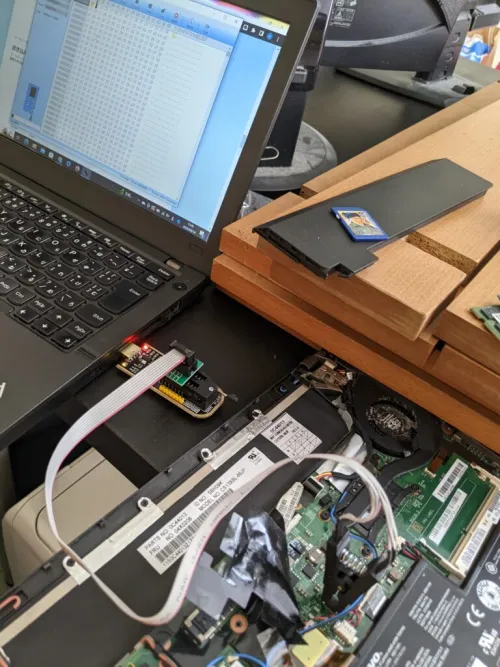
Regarding the X240, after installing the unlock BIOS, the screen didn't move after the logo appeared, so I flashed the original BIOS, and it somehow got unlocked, which is a mystery.
Also, this method works for T-series of the same generation, so if anyone is having trouble.
These days, they're probably rolling around in Akiba in large quantities.